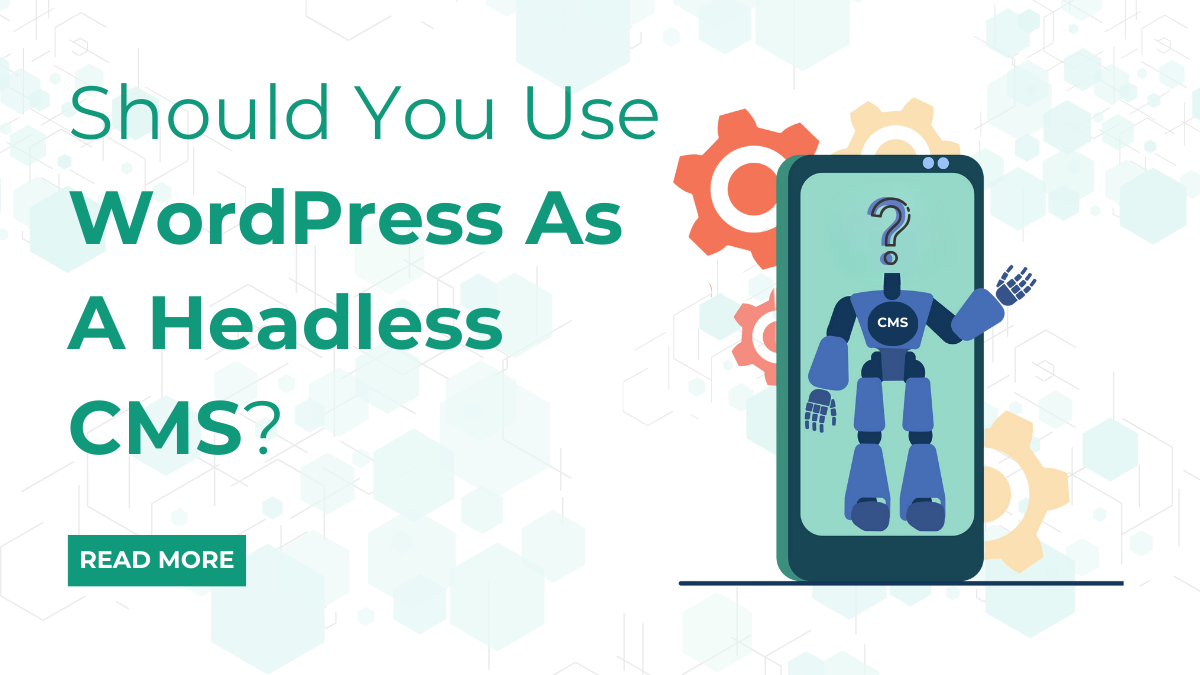
Content management system is a very powerful platform that allows you to create, manage and edit the content as required. Today, it has become the number one choice for developers and non- developers. But, this powerful traditional CMS, such as WordPress doesn’t fulfil everyone’s requirements. In most of the cases, some sort of flexibility is required. Many-a-times, you feel like integrating different coding technology, then WordPress is the answer, because you can change the way you are using it. And that is why it is called as a WordPress headless CMS.
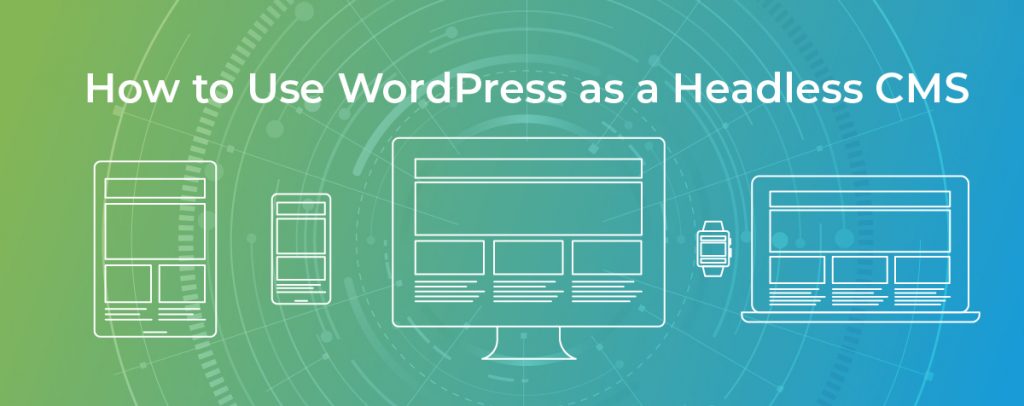
What Is A Headless CMS?
In most of the cases, a headless CMS is preferable in cases where traditional CMS cannot be used. Maybe because it’s too restrictive in nature. In many other areas, you can use API calls in a headless CMS, inorder to curate contents for Android of iOS. In certain cases, you can make use of Javascript frameworks or libraries in your apps, by trusting headless CMS architecture. But, in a few cases, like for simplified projects, a traditional CMS is out of the reach. But, in cases where you need to take greater charge over the back end and integrate a custom front-end mechanism, a headless CMS is a perfect fit. By using WordPress as a headless CMS, you already have a built in REST API, which is already an advantage in itself. Also, we can use the well-known WordPress back end to deal with the content management issue.
Why Do You Want To Use WordPress, As Your Headless CMS?
This is crystal clear that in just a few steps, we have our own headless CMS which is in the form of a WordPress. WordPress has been the most popular platforms, which means that the headless CMS can function well on the other hardware and software platforms, going through regular maintenance and security updates. WordPress has three main parts:
Share:WordPress Has 3 Basic Parts:
1.) The database, where our content is stored
2.) The admin panel which helps in the management of the content (API)
3.) The HTML view, which is used in displaying the content.
Installation of WordPress is a good idea, but you need strong password for this. Also, when working on WordPress as a headless CMS, you need to add index.php file and a style.css file, specifying the theme.
How To Create A Footer Widget In WordPress
WordPress front page consists of a header image, a page and then comes a footer, which is at the bottom of the page. This footer section is found within the widgets section of WordPress. So, if you have got a problem in adding footer in the WordPress, then follow the simple process.
- Just login to the WordPress administrator dashboard.
- Just click on Appearance
- Then click on Widgets
- When you will look at the Widgets page, you will see that widgets are arranged into two groups: Inactive widgets and available widgets. Then depending on the required theme, you will see the footers at the right column. You will select a widget of your choice from the list of available widgets. When you click on the widget, there is a present choice of footers that you wish to select.
- Once the widget position is selected, you can use it in the add content. You can title the widget, then add text or media. After this, you will use the Save button once things are done.
- After this, you can view the widget which was added by going through the website.
See, it’s as easy as you think, and it happens within a click.
Share:Also, You Can Add Footer Using CUSTOMIZE Option:
Steps for adding footer using CUSTOMIZE option:
- There are many ways to get into the customize option, for making the necessary changes to the theme. For this you need a login as an Administrator. So, login and you can find the customise option in the Appearance section of the main menu, you can click on the domain name for your site in the top left corner.
- Click on Widgets in the menu.
- Then click on the footer that you want to use.
- Click on the Add a footer button.
- Select the widget that you want to use in your footer.
- Edit your widget and then click the Done button, once done.
- To save changes, click on the Publish button.
Conclusion
In conclusion, utilizing WordPress as a headless CMS presents a dynamic approach for managing content while leveraging its robust backend functionalities. This decoupled architecture empowers developers to craft engaging, highly customized front-end experiences using modern frameworks like React or Vue.js. While the headless approach detaches the content from the presentation layer, offering flexibility and scalability, it might require a higher level of technical expertise. Consider exploring WP theme bundles optimized for headless setups to harness WordPress’s content management capabilities while creating tailored, innovative user interfaces for your web applications. Assess your project’s requirements to determine if WordPress as a headless CMS aligns with your development goals and content management needs.

Professional WordPress themes are on Black Friday sale on our website. Grab premium WordPress themes at discounted price before the sale ends. Do checkout our Theme Bundle to avail an exciting 20% discount! What are you waiting? Visit VW Themes now!
Share: