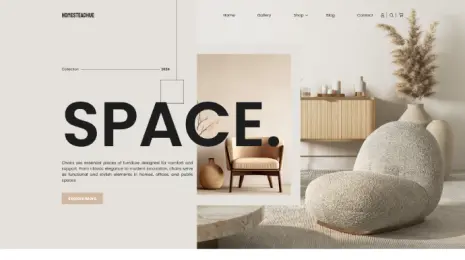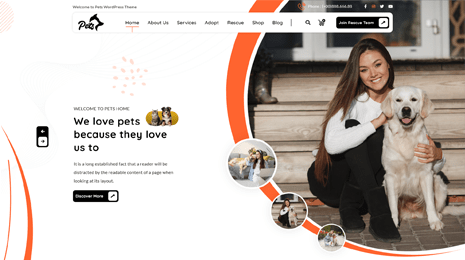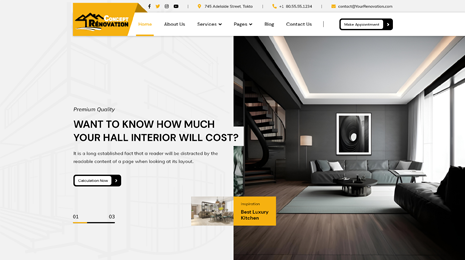

WordPress is such a user-friendly and versatile platform that can be easily used by anyone irrespective of his/her coding skills. It gives you the flexibility to do anything that you wish. Just by spending a few minutes at the admin panel, you will be able to transform the look and feel of your site. Just like all the content elements, your site must have properly displayed and well-organized menus. More emphasis is given to it because your visitors must be able to easily find out what they are looking for on your website. However, create menu in WordPress for your site is extremely easy.
Share:
Without any technical assistance or coding base, anyone can do so. Having a well-organized website with proper categorization of content makes it easy for your visitors to get the relevant information or products or anything that they are looking for. As menus serve like a map that guides them to their content of interest, you should create and structure them wisely. Now let us see about creating menus.
Creating Menu in WordPress Theme
Creating custom menus is very simple in WordPress Themes. Let us get into it step by step. For creating or customizing the default menu on your site, you need to go to the WordPress dashboard, click on the Appearance option, then click on to the Menus. Giving the menu a name is the first and foremost thing you need to do. You can give any name to the menu you are about to create. Once you give the name, then click on the Create Menu button.
Once you are done with this, you can begin adding the menu items. All the default menu items and pages are shown on the left side of your screen. You need to tick on the checkboxes for including the respective pages in your menu. You may select all of them or may even select those that you wish you include on the menu. Then click the Add To Menu button.
Then, under menu settings, you can select the display location where you need to show the menu on your site. You can select multiple locations where your menu will be displayed. If you select the header option, it will be displayed on the header. If you select footer, obviously, the menu will get displayed on the footer of your website. Once you click the checkboxes, click on the Save Menu button. Once done with this, you can go to your site to see if the menu is included by clicking on the Visit Site option.
Share:Rearranging The Menu And Creating Drop Down Menu
If you feel the need for rearranging the menu displayed on your website, again go to the Dashboard, Appearance, Menus. Then drag and drop each item according to the order of your preference. In a similar manner, you will also be able to create a drop-down menu. In this way, you can create a sub-menu for the element in the main menu. After making the new arrangements, click on the Save Menu button. You can view the newly arranged menu on the site.
Removing The Elements From Menu
If you want to remove any of the menu elements from your website, you can do that with ease in Themes for WordPress by following these simple steps. Go to the Dashboard, click on Appearance, then click on Menus. Select the particular element you want to remove and click on the Remove option.
Hope this blog answers all the questions and doubts regarding creating a menu in WordPress Theme.
Share:Conclusion
In conclusion, creating a menu in your WordPress theme is a straightforward process that significantly enhances your website’s user experience and navigation. With the flexibility and convenience offered by tools like the WP Theme Bundle, you can effortlessly design and customize menus to match your site’s style and content structure. Whether you’re building a personal blog, an e-commerce platform, or a corporate website, a well-organized menu is crucial for helping visitors find the information they need quickly and efficiently. Don’t overlook this essential element of web design, and make the most of the resources available through WordPress and themes like those found in the WP Theme Bundle to create a seamless and user-friendly website menu.